
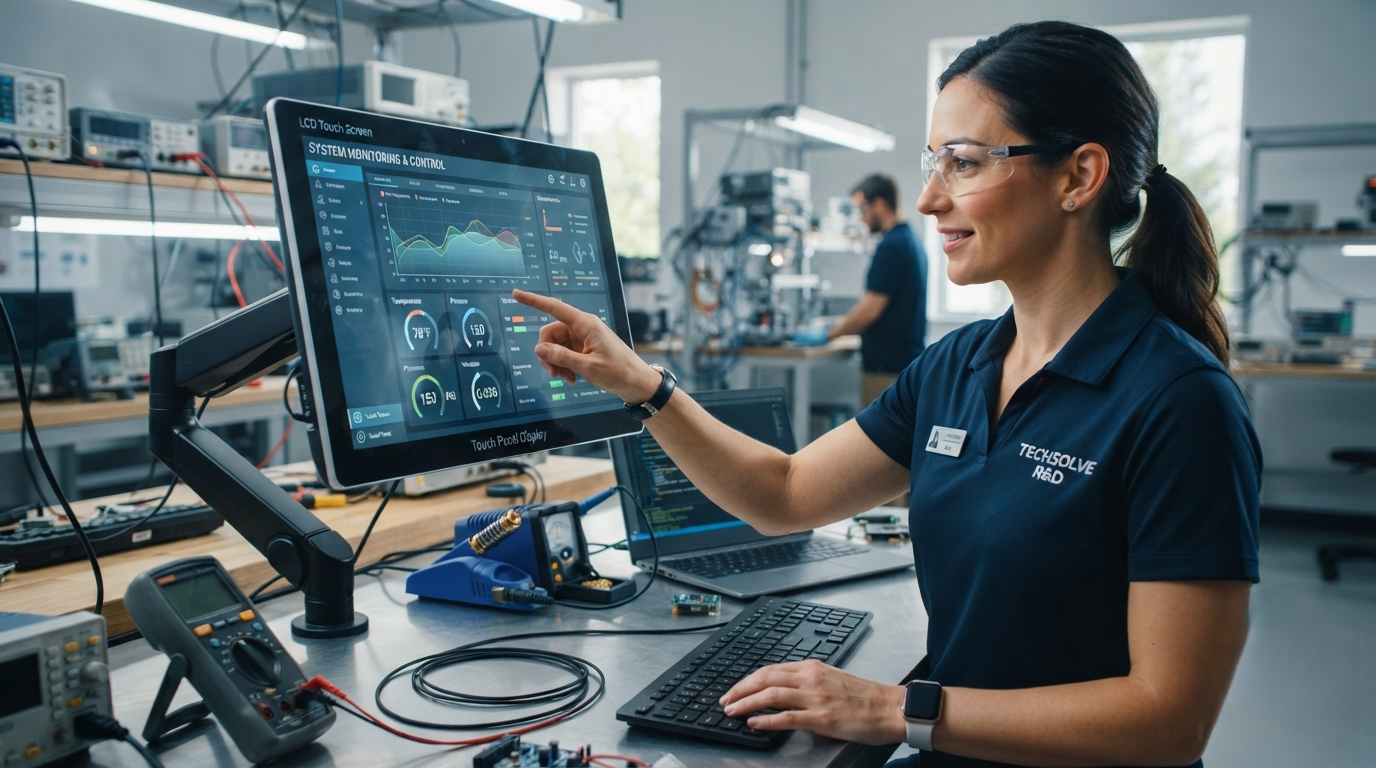
The way people interact with electronic devices has changed dramatically over the last few years. Traditional buttons and physical controls are gradually being replaced by smarter, faster, and more intuitive solutions. At the center of this transformation are Touch Panel Display and LCD Touch Screen technologies.
From smartphones and tablets to industrial machines, medical equipment, and automotive systems, touch-enabled displays have become an important part of modern digital experiences. These technologies allow users to control devices directly through touch gestures, making operations simpler and more efficient.
A Touch Panel Display combines touch-sensitive input technology with a visual display, while an LCD Touch Screen integrates touch functionality with liquid crystal display technology to deliver clear images and smooth interaction. Together, these solutions are helping industries improve productivity, user experience, and device functionality.
What Is a Touch Panel Display?
A Touch Panel Display is an interactive display system that allows users to operate electronic devices by touching the screen surface. Unlike traditional displays that only provide visual information, touch panel technology enables two-way communication between users and devices.
The touch panel detects physical contact or gestures and converts them into digital commands. These commands are then processed by the connected system to perform specific actions.
A modern touch panel display generally consists of:
- Touch sensor layer
- Display screen
- Protective cover glass
- Touch controller
- Operating software
This combination creates a user-friendly interface that eliminates the need for external input devices such as keyboards, buttons, or switches.
Understanding LCD Touch Screen Technology
An LCD Touch Screen is a display solution that combines Liquid Crystal Display (LCD) technology with touch-sensitive capabilities. LCD panels are widely used because they provide excellent brightness, image clarity, and energy efficiency.
The touch layer placed above or within the LCD display detects user input and allows direct interaction with digital content.
The basic working process of an LCD touch screen includes:
- A user touches the display surface.
- The touch sensor detects the location of the touch.
- The controller processes the touch information.
- The system responds to the input.
- The LCD panel displays the updated output.
This seamless interaction makes LCD touch screens suitable for applications where speed, accuracy, and convenience are important.
Different Types of Touch Panel Display Technology
The performance of a Touch Panel Display depends on the type of touch technology used. Different industries select touch technologies according to their specific requirements.
Capacitive Touch Screen
Capacitive touch screens are commonly used in smartphones, tablets, and advanced electronic devices. They detect changes in electrical signals when a user touches the screen.
Advantages include:
- High sensitivity
- Multi-touch support
- Fast response time
- Smooth user experience
Resistive Touch Screen
Resistive touch screens work through physical pressure applied to the display surface. They are commonly used in industrial applications where users may operate devices with gloves or tools.
Benefits include:
- Cost-effective design
- Reliable performance
- Operation with gloves
Infrared Touch Screen
Infrared touch technology uses infrared light beams to detect touch movement. It is often used in large displays, kiosks, and interactive boards.
Key Benefits of Touch Panel Display and LCD Touch Screen
The growing popularity of LCD Touch Screen solutions is driven by several important advantages.
Enhanced User Experience
Touch technology provides a simple and natural way for users to interact with devices. Touch gestures such as tapping, scrolling, and swiping make operations faster and more convenient.
Improved Display Quality
Modern LCD touch screens deliver:
- High-resolution visuals
- Better color accuracy
- Clear image presentation
- Wide viewing angles
These features are especially important for applications requiring detailed information display.
Compact Device Design
By combining input and output functions into one unit, touch displays help manufacturers create slimmer and more efficient products.
This compact design is beneficial for:
- Portable electronics
- Smart control panels
- Digital kiosks
- Automotive systems
Better Operational Efficiency
Industries using touch panel displays can improve workflow by allowing faster access to information and easier machine control.
For example, industrial operators can monitor and adjust equipment settings through a single interactive display.
Durability and Long-Term Performance
Industrial-grade touch panel displays are designed to withstand challenging environments, including:
- Dust
- Temperature variations
- Continuous usage
- Mechanical stress
This makes them reliable for demanding applications.
Major Applications of LCD Touch Screen Technology
The use of LCD Touch Screen technology has expanded across multiple industries due to its flexibility and reliability.
Consumer Electronics
Smartphones, tablets, smart watches, and home automation devices rely heavily on touch screen technology. These displays provide convenient control and improved user interaction.
Industrial Automation
Manufacturing industries use touch panel displays as Human Machine Interfaces (HMIs). These systems allow operators to monitor machines, control processes, and improve production efficiency.
Common industrial applications include:
- Factory automation systems
- Machine control panels
- Process monitoring equipment
- Industrial dashboards
Healthcare Sector
Medical equipment manufacturers use LCD touch screens in various healthcare devices, including:
- Patient monitoring systems
- Diagnostic machines
- Medical terminals
- Healthcare information displays
Touch interfaces help medical professionals access important information quickly.
Automotive Industry
Modern vehicles increasingly feature touch displays for controlling:
- Navigation systems
- Entertainment functions
- Climate settings
- Vehicle information
These systems create a smarter and more connected driving experience.
Retail and Hospitality
Businesses use touch panel displays to improve customer interaction through:
- Self-service kiosks
- Digital menus
- Payment terminals
- Information displays
These solutions help reduce waiting times and improve service quality.
Latest Trends in Touch Display Technology
The Touch Panel Display industry continues to develop with new innovations designed to improve functionality and user experience.
AI-Based Touch Technology
Artificial intelligence is being integrated into touch systems to improve gesture recognition, personalization, and response accuracy.
Flexible Touch Screens
Flexible displays are opening new opportunities for foldable smartphones, wearable devices, and innovative electronic products.
High Brightness Outdoor Displays
Advanced LCD touch screens are being designed with improved visibility for outdoor environments.
Multi-Touch Technology
Multi-touch capability allows users to perform multiple actions simultaneously, making devices more efficient and interactive.
Smart IoT Integration
Touch displays are becoming an important part of Internet of Things (IoT) systems by connecting smart devices and improving automation.
Touch Panel Display vs LCD Touch Screen: Understanding the Difference
| Feature | Touch Panel Display | LCD Touch Screen |
| Main Function | Provides touch interaction | Combines display and touch functions |
| Technology | Touch sensor-based system | LCD panel with touch capability |
| Usage | Interactive control systems | Visual and interactive applications |
| Examples | Industrial panels, kiosks | Smartphones, tablets, smart devices |
Both technologies work together in many modern devices to provide efficient digital interaction.
How to Choose the Right Touch Display Solution?
Selecting the correct Touch Panel Display depends on several important factors:
- Application Requirements: Understand where and how the display will be used.
- Screen Size: Select the appropriate size according to installation needs.
- Touch Technology: Choose capacitive, resistive, or infrared technology based on usage.
- Display Resolution: Higher resolution provides better visual performance.
- Environmental Conditions: Consider temperature, dust, and operating conditions.
- Customization Needs: Check options for brightness, protection, and design modifications.
Choosing the right display solution ensures better performance and long-term reliability.
Future of Touch Panel Display and LCD Touch Screen Technology
The future of Touch Panel Display and LCD Touch Screen technology is expected to grow rapidly as industries continue adopting smart devices and automation solutions.
Future advancements may include:
- More responsive touch interfaces
- AI-powered user interaction
- Transparent display technology
- Advanced gesture controls
- Energy-efficient designs
- Flexible and foldable screens
As digital transformation continues, touch technology will remain a key element in creating smarter and more connected systems.
Frequently Asked Questions (FAQs)
What is a Touch Panel Display?
A Touch Panel Display is an interactive screen that allows users to control electronic devices through touch input.
What is an LCD Touch Screen?
An LCD Touch Screen combines liquid crystal display technology with touch sensors to provide visual output and user interaction.
Where are touch panel displays used?
They are used in industries such as healthcare, automotive, manufacturing, retail, and consumer electronics.
Are LCD touch screens durable?
Yes, modern LCD touch screens are designed for long-term use with protective features.
Which touch technology is best?
The best technology depends on the application. Capacitive screens are popular for consumer devices, while resistive screens are common in industrial environments.
Can touch screens work with gloves?
Certain industrial touch screens are designed to operate with gloves.
Why are businesses adopting touch displays?
Businesses use touch displays to improve efficiency, simplify operations, and enhance customer experiences.
Are LCD touch screens energy efficient?
Modern LCD touch screens are designed to provide high performance with optimized power consumption.
Can touch displays be customized?
Yes, manufacturers can customize size, brightness, touch sensitivity, and protective features.
What is the future of touch technology?
Future touch technology will focus on AI integration, flexible displays, and smarter user interaction.
Read more – https://newsgrow.blogspot.com/2026/08/tft-lcd-module-and-tft-modules-drive.html
https://newsgrow.blogspot.com/2026/08/bar-type-lcd-display-and-high.html
https://newsgrow.blogspot.com/2026/08/touch-panel-display-and-lcd-touch.html